Feishu CLI Hands-on: Letting Codex Enter a Real Office Workflow
A practical Feishu CLI test: Codex reads the official larksuite/cli repo, installs the tool, waits for human authorization, and sends a Feishu reminder as a real agent workflow.
Main answer
Feishu CLI is not a replacement for the Feishu client. Its value is that it gives agents an authorized, verifiable entry point into real office workflows.
Who should read this
For people evaluating Feishu automation, AI-agent office workflows, or practical ways to turn reminders and checklists into repeatable processes.
Key check
As of June 1, 2026, the official README describes 200+ commands and 26 AI Agent Skills.
Next step
Start with private reminders, personal todos, and read-only checks before granting broader write or group-chat permissions.
What You'll Learn
- + Why Feishu CLI is more than a command for sending messages
- + How Codex followed the official repository to install, configure, and wait for human authorization
- + How a minimal Feishu message loop connects an agent to a real workflow
- + Why permission boundaries matter as much as automation speed
This test started with a simple question: if Feishu now has an official CLI, can an AI agent use it to enter a real office workflow?
I did not begin by manually reading the documentation and turning it into a polished demo. Instead, I gave the official repository to Codex and asked it to figure out what the CLI could do, install it, go through the configuration path, wait for human authorization, and then send me a message through Feishu. After that, we turned the test into a small but practical workflow: a daily reminder to check SEO and GEO status for our main blog.
This article is a record of that hands-on run. It is not a claim that Feishu CLI replaces the Feishu client. It is also not an argument that every office action should be handed to an agent. The more precise point is this: when an office platform exposes a stable CLI, an agent can move beyond chat and start participating in verifiable workflows.
Why Feishu CLI is worth paying attention to
Most CLI tools are useful because they turn repeated clicks into commands.
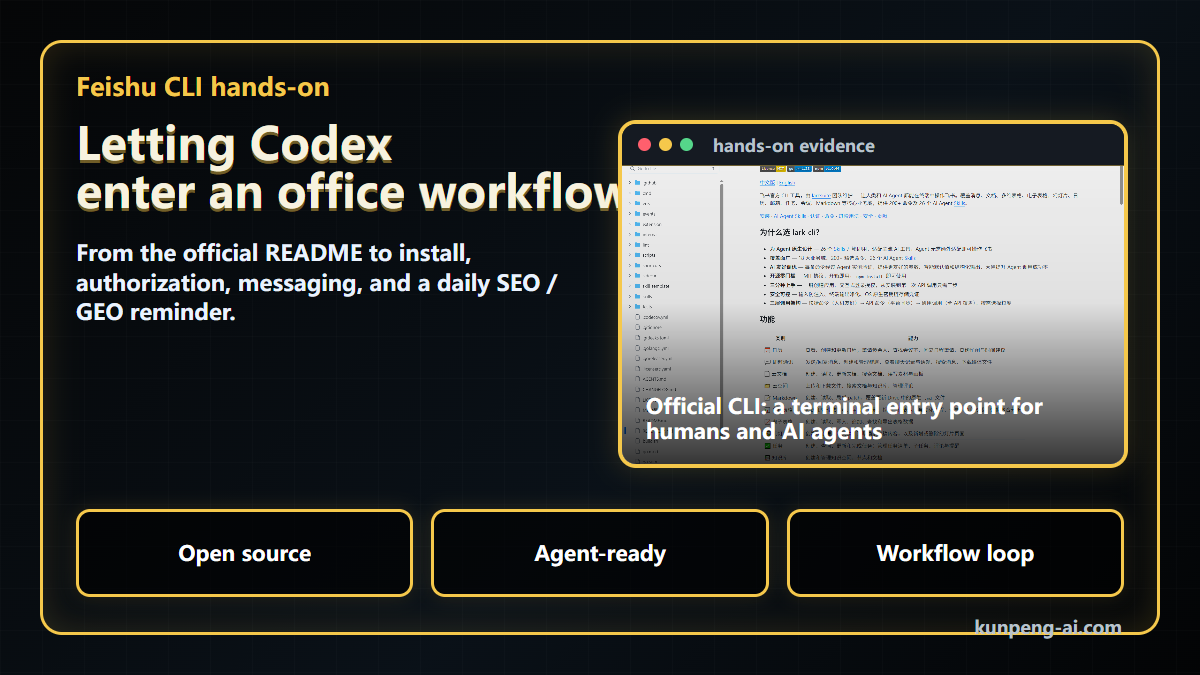
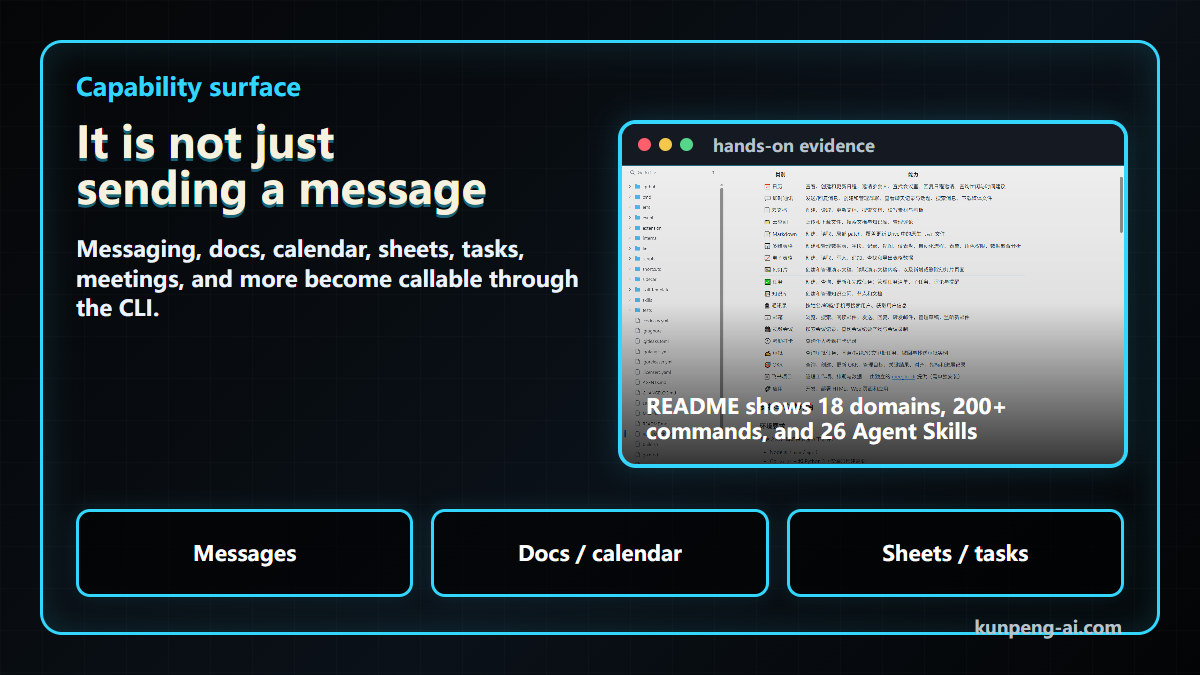
Feishu CLI is more interesting than that. In the larksuite/cli README we checked on June 1, 2026, the project describes itself as an official CLI maintained by the LarkSuite team for both humans and AI agents. The README says it covers core business domains such as messaging, documents, Bitable, spreadsheets, slides, calendar, mail, tasks, meetings, and Markdown, with 200+ commands and 26 AI Agent Skills.
That framing matters. This is not only a command-line helper for developers. It is also an interface that an agent can use, with authorization, verification, and a clearer command surface.
Before tools like this, agent-based office automation often got stuck at two points:
- the agent could understand the task, but had no stable way to operate the office system;
- it could generate a plan or script, but the human still had to copy, click, send, or paste the result manually.
When messaging, calendars, docs, sheets, and tasks become accessible through a CLI, the agent can move from “understanding” to “executing a bounded action.” That does not mean fully autonomous office work. It means repeated, low-risk, verifiable actions can start becoming workflows.
It is not just sending a message
The first thing many people notice is messaging. “Can the CLI send me a Feishu message?” is an obvious test.
But messaging is only one part of the surface. The official README describes a broader set of capabilities: calendar, instant messaging, cloud docs, drive, Markdown, Bitable, spreadsheets, slides, tasks, wiki, contacts, mail, video meetings, approval, OKR, and more.
For most users, it is not necessary to learn all of that at once. A more practical way to think about it is this: once the important actions of an office platform are exposed through a CLI, an agent can build repeatable flows around those actions.
For example:
- summarize today’s calendar and todos every morning;
- push follow-up tasks after a meeting;
- write Markdown into a Feishu document;
- append operations data into a spreadsheet;
- send a fixed checklist to yourself;
- search historical messages or documents for a project.
Each action is small. But small, repeated, easy-to-forget actions are exactly where workflows become useful.
Letting Codex run the setup path
In this recording, we did not start with “I install it while the agent watches.” We started by letting Codex read the official repository.
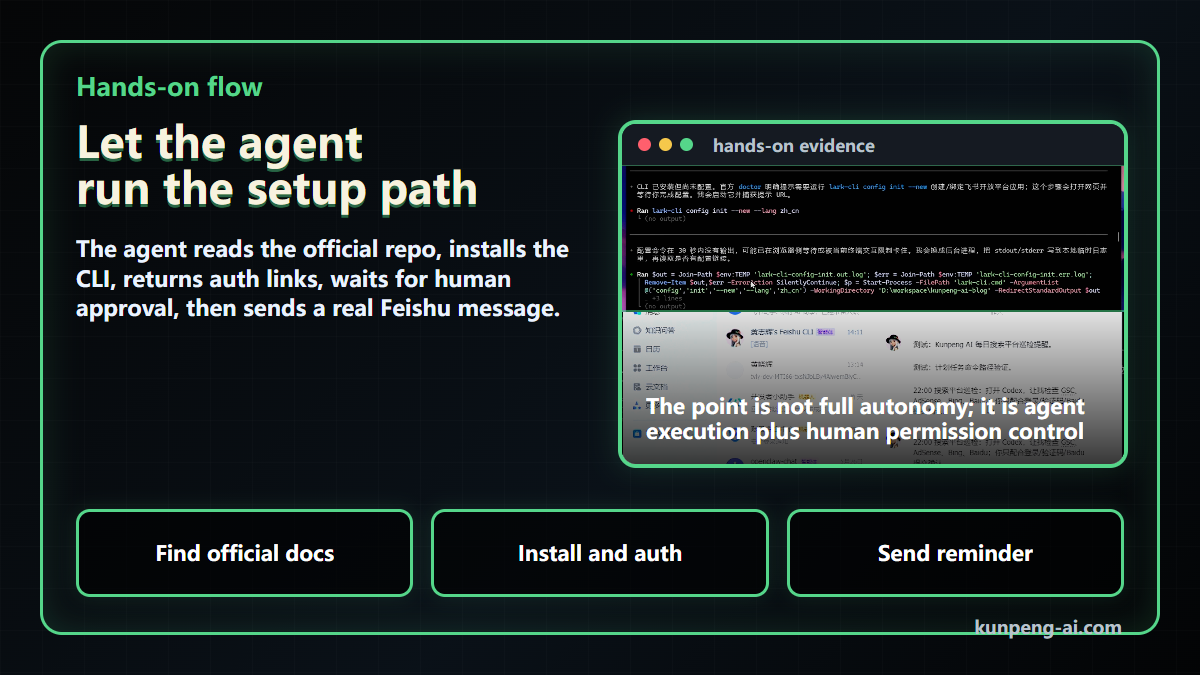
Codex found the larksuite/cli GitHub repo and the Chinese README. It then noticed that the README includes a quick-start path specifically for AI agents. That detail is important: the documentation does not only describe human installation steps. It explicitly tells AI assistants where to jump when helping a user install the tool.
The flow looked like this:
- Codex confirmed the install command from the official README;
- it checked the local Node / npm environment;
- it ran
npx @larksuite/cli@latest install; - it entered the configuration flow;
- it returned authorization links to me;
- I completed the authorization in the browser;
- Codex resumed and checked the authorization status.
The important part is not simply that the install succeeded. The important part is the division of responsibility.
The agent can read docs, execute commands, parse output, and prepare the next step. But authorization must remain a human decision. For office systems, giving an agent access is not just a convenience question. It is a permission boundary.
This is the real design problem for agent-based office automation: efficiency and permission control have to be designed together.
The first loop: Feishu actually received the message
After installation and authorization, we tested the smallest complete loop: use the CLI to send a Feishu message back to me.
That loop is small, but it matters:
human intent
-> agent understands the task
-> agent calls the CLI
-> CLI operates Feishu
-> Feishu message returns to the human
Once this path works, many “I need to remember this” tasks can become “the workflow reminds me.”
We also kept a security boundary in the recording. Real chat_id, open_id, tokens, and authorization details should not be shown in a public video or article. The article and video only show the sanitized flow and the final result.
A practical task: daily SEO / GEO reminder
Sending one test message is useful, but not enough. So we turned it into a real recurring task: send a daily Feishu reminder to check SEO and GEO status for kunpeng-ai.com.
This task is not complex. That is why it is a good example.
SEO and GEO checks are not one-off work. They are habits: review Google Search Console, Bing, Baidu, AdSense, AI-search references, article titles, summaries, and links. The problem is that this kind of work is easy to forget when more urgent work shows up.
So it should move from memory to process.
A reminder message can contain a fixed checklist:
Remember to check kunpeng-ai.com SEO / GEO today:
1. Google / Bing index status
2. Search query and click changes
3. Whether AI search or large models mention the brand
4. Chinese and English article titles, summaries, and links
5. Whether yesterday's distribution brought new entry points
In this first run, we only needed to prove the reminder path. Later, this can expand into reading some search data, generating a report, writing to a Feishu sheet, or highlighting anomalies.
But the first step does not need to be large. For practical users, a stable low-risk reminder is often more valuable than an impressive automation that is too risky or too brittle to use every day.
Safety boundary: start with small private tasks
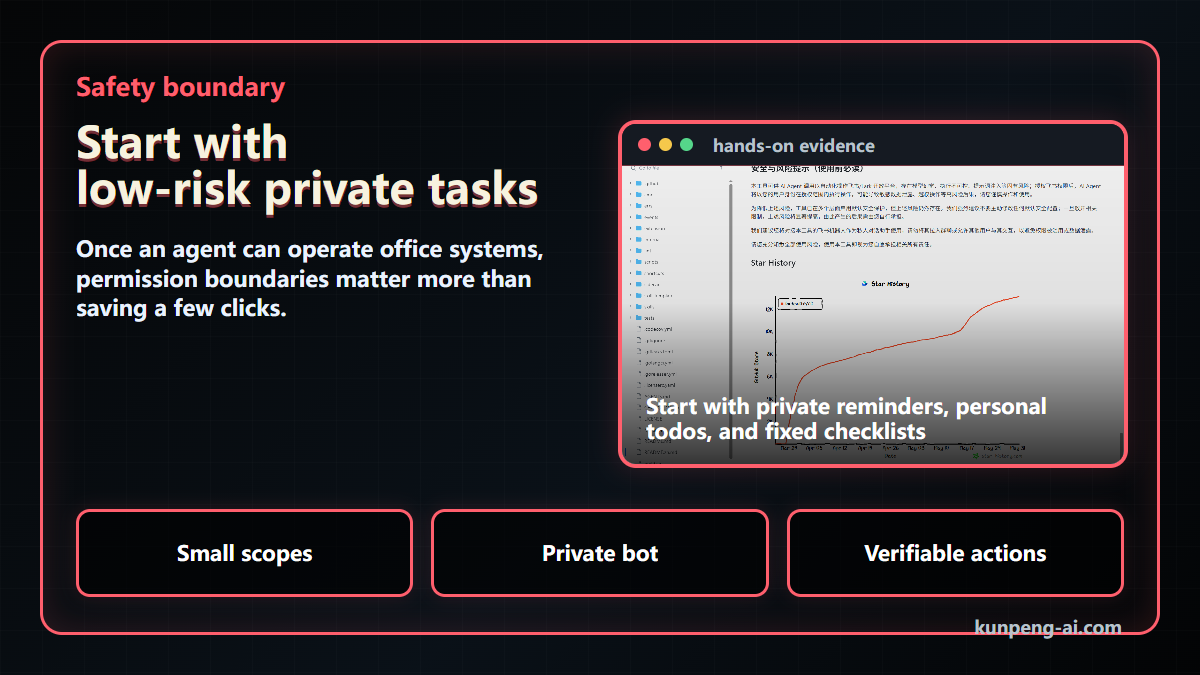
Once an agent can operate an office system, permission boundaries matter more than saving a few clicks.
The Feishu CLI README also includes a safety warning: when AI agents automate operations on the Lark / Feishu open platform, there are inherent risks such as hallucination, uncontrolled execution, and prompt injection. After authorization, the agent can act within the user’s granted permissions.
That should not be treated as boilerplate. It should directly shape how we use the tool.
My preferred starting point is:
- private reminders, not group-wide bots;
- personal todos, not cross-team approvals;
- fixed checklists, not open-ended execution;
- read-only queries before write or delete actions;
- no secrets, tokens, chat IDs, or open IDs in articles, videos, logs, or screenshots.
In other words, agent office automation should not start by giving an agent broad permission. It should start with low-risk, high-repeat, verifiable actions.
The practical lesson
Many people still use AI mostly for Q&A, writing, or generating spreadsheet formulas.
Those are useful, but the bigger shift happens when agents can enter real workflows.
Feishu CLI is a good example of that shift. When an office platform has a standardized command interface, an agent can help with:
- daily reminders for key metrics;
- meeting follow-up summaries;
- document summaries;
- calendar conflict checks;
- repeated spreadsheet updates;
- fixed operational checklists.
None of these tasks are dramatic. But they are repeated, easy to forget, and valuable when they happen consistently. When an agent can use a CLI to enter those fixed flows, it becomes more than a chat window. It starts becoming an office assistant.
The key is to keep the first scenarios small, permissions limited, and outcomes easy to verify.
Conclusion
The value of Feishu CLI is not that a command line can replace the Feishu client.
Its value is that it gives AI agents an office-system entry point that can be installed, authorized, checked, executed, and interrupted by a human when needed.
In this test, we only did three small things: let Codex read the official repo, install and configure the CLI, and send a daily SEO / GEO reminder through Feishu. That was enough to show the direction. Practical office automation may not start with a large internal platform. It may start with a stable CLI, a low-risk reminder, and a workflow that actually closes the loop.
We will keep testing more Feishu CLI use cases, including meeting summaries, todo aggregation, spreadsheet updates, and blog operations reports. I am less interested in whether AI will “replace office software” in the abstract. I am more interested in whether it can enter the work people actually do every day.
Continue reading
- Agent vs AI Chat: Why Workflow Matters
- GUI vs TUI AI Coding Agent Workflow
- n8n Content Factory: Turning Repeated Work Into a Workflow
References:
- larksuite/cli GitHub repository: https://github.com/larksuite/cli
- Chinese README: https://github.com/larksuite/cli/blob/main/README.zh.md
Key Takeaways
- - A CLI can move an agent from understanding a task to executing a bounded, verifiable office action.
- - Authorization should remain a human decision, especially for office-system permissions.
- - The best first workflows are low-risk private reminders, fixed checklists, and read-only queries.
Need another practical guide?
Search for related tools, error messages, setup guides, and engineering notes across the site.
FAQ
Can Feishu CLI replace the Feishu client?
That is not the point of this test. Feishu CLI is better understood as a command surface that humans and agents can use for bounded office workflows.
Is it safe to let an agent operate Feishu?
Only if the permission boundary is designed carefully. Start with private reminders, personal todos, and read-only checks before expanding to group chats, approvals, deletions, or broader writes.
What did this hands-on test prove?
It proved the smallest useful loop: human intent, agent calls CLI, Feishu returns a message, and the human can verify the result.
Voluntary Support
Buy me a coffee
Voluntary support for field tests, server costs, and small open tools. No account, no subscription, no promised delivery.

Alipay QR code
Want to appear on the supporters wall?
After supporting, send your nickname, optional link, and one short note. I will review it manually before publishing.