Desktop GUI vs Terminal TUI: how I choose the right interface for AI coding agents
GUI and TUI workflows solve different problems. This guide explains when AI coding agents need visual context, browser supervision, parallel terminal sessions, and human handoff points.
Main answer
Desktop GUI and terminal TUI workflows are not replacements for each other. GUI works better for visual context, browser state, screenshots, and human supervision; TUI works better for scoped parallel jobs and low-overhead long-running agent sessions.
Who should read this
For developers using Claude Code, Codex, OpenClaw, DeepSeek TUI, or other AI coding agents and deciding how these tools should fit into real project work.
Key check
The useful decision is not which interface is more advanced, but whether the task needs visual context, browser state, human steering, parallelism, and low overhead.
Next step
Choose the interface after reading the task: GUI for context-heavy and browser-heavy work, TUI for scoped parallel execution.
What You'll Learn
- + Why GUI and TUI workflows are not simple substitutes
- + When large projects and browser operations benefit from a GUI
- + Why parallel AI coding agents often work better in a TUI
- + Where human confirmation should remain in the workflow
Desktop GUI vs Terminal TUI: how I choose the right interface for AI coding agents
A viewer recently asked a very fair question: if desktop AI coding tools are powerful and convenient, why bother with a terminal TUI at all?
I do not think this is a replacement story.
Desktop GUI and terminal TUI workflows solve different kinds of friction. A GUI is better when the human needs to stay close to the work: reading code, checking documents, copying context, dropping screenshots, or supervising browser actions. A TUI is better when the work can be split into small, independent tasks and left running with lower overhead.
The practical question is not “which one is more advanced?” The useful question is: what does this task need from the interface?
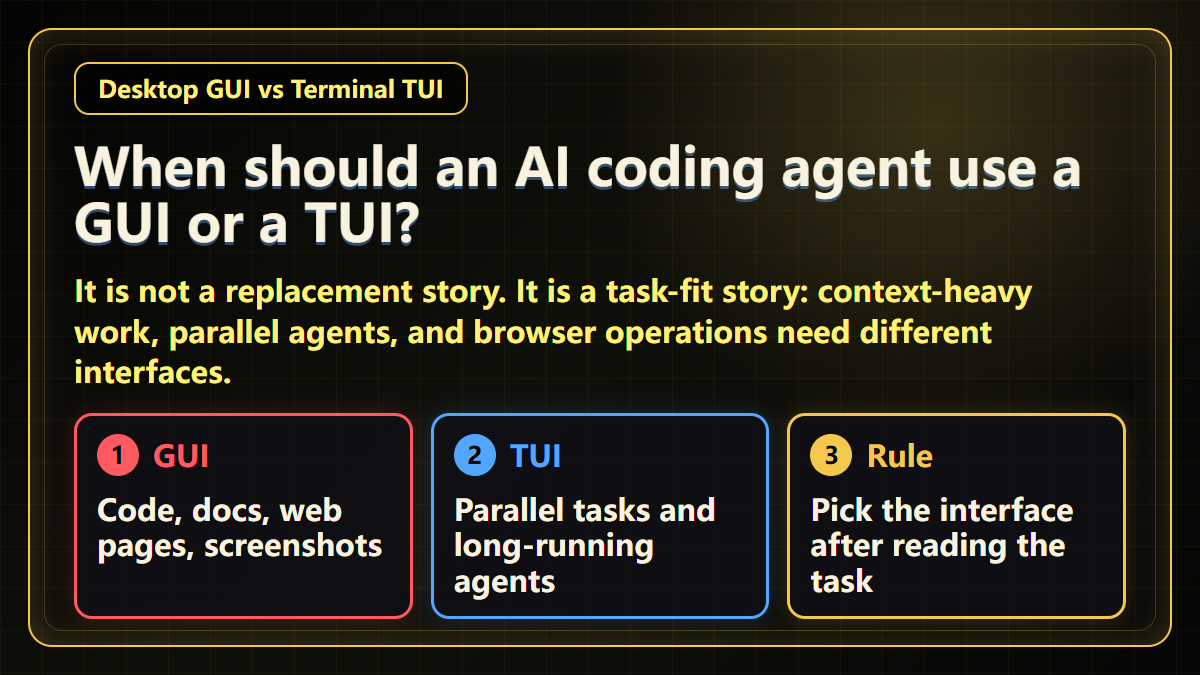
My short rule
Use a desktop GUI when the task needs visual context, frequent human steering, screenshots, web pages, or browser state.
Use a terminal TUI when the task is already scoped and can run as one of several small parallel jobs.
Switch back to a GUI when the task happens inside a browser: dashboards, forms, image uploads, publishing previews, and final state checks.
This rule is boring, but it prevents a lot of wasted time.
Scenario 1: large projects usually benefit from a GUI
Large project work is rarely just command execution.
You read files. You compare docs. You inspect a web page. You copy terminal output. You may need to give the agent a screenshot or a product state that is difficult to describe in text.
In that situation, the human has not left the loop. The human is still observing, correcting, and deciding whether the agent is moving in the right direction.
That is where a desktop GUI helps.
It keeps the workspace visible. It makes it easier to hand new context to the agent. It also makes it easier to notice when the agent misunderstood something. The GUI does not make the model smarter. It makes the shared working surface easier to inspect.
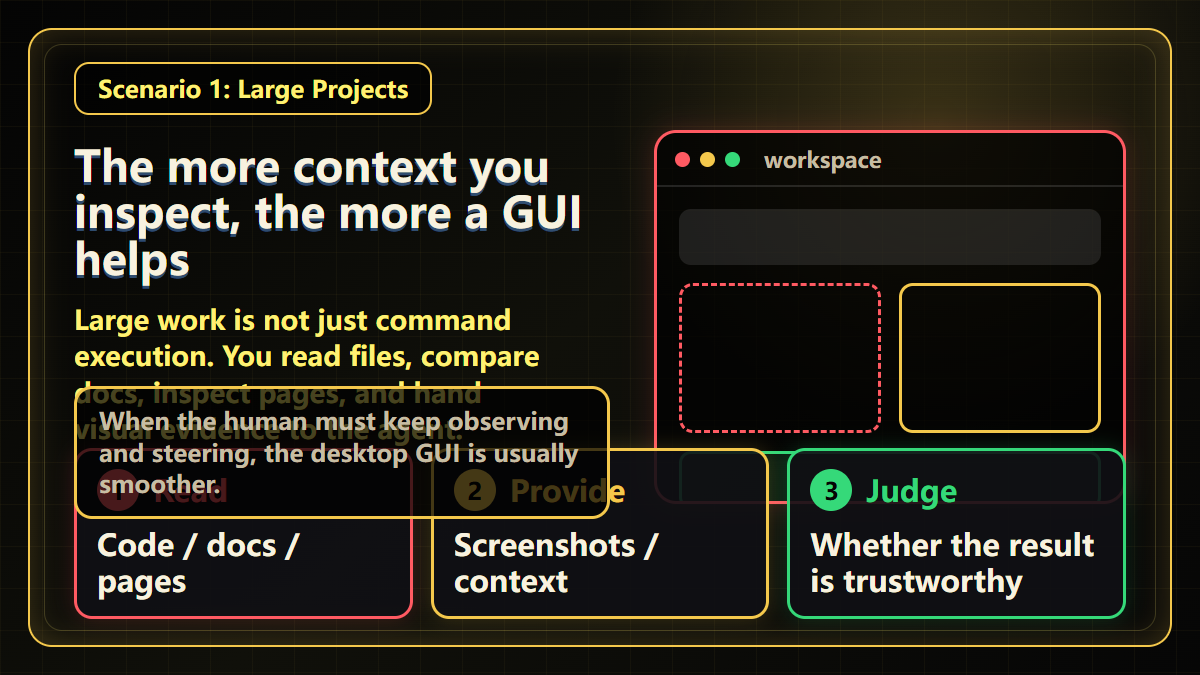
I think of this as the “human is still in the room” mode.
If the task involves code, docs, pages, screenshots, and judgement, I usually start with the GUI.
Scenario 2: parallel agents are often better in a TUI
There is another kind of work: small, scoped, parallel tasks.
One agent edits a module. Another reads logs. A third runs tests and summarizes the failure. These tasks do not need constant visual supervision. They need clear boundaries, stable execution, and low overhead.
Opening a separate desktop window for every agent can quickly make the machine feel heavy. The problem is not the idea of using AI agents. The problem is that the interface itself becomes part of the overhead.
This is where a terminal TUI earns its place.
It starts quickly. It uses fewer resources. It is easier to keep several sessions running without turning the desktop into window management work.
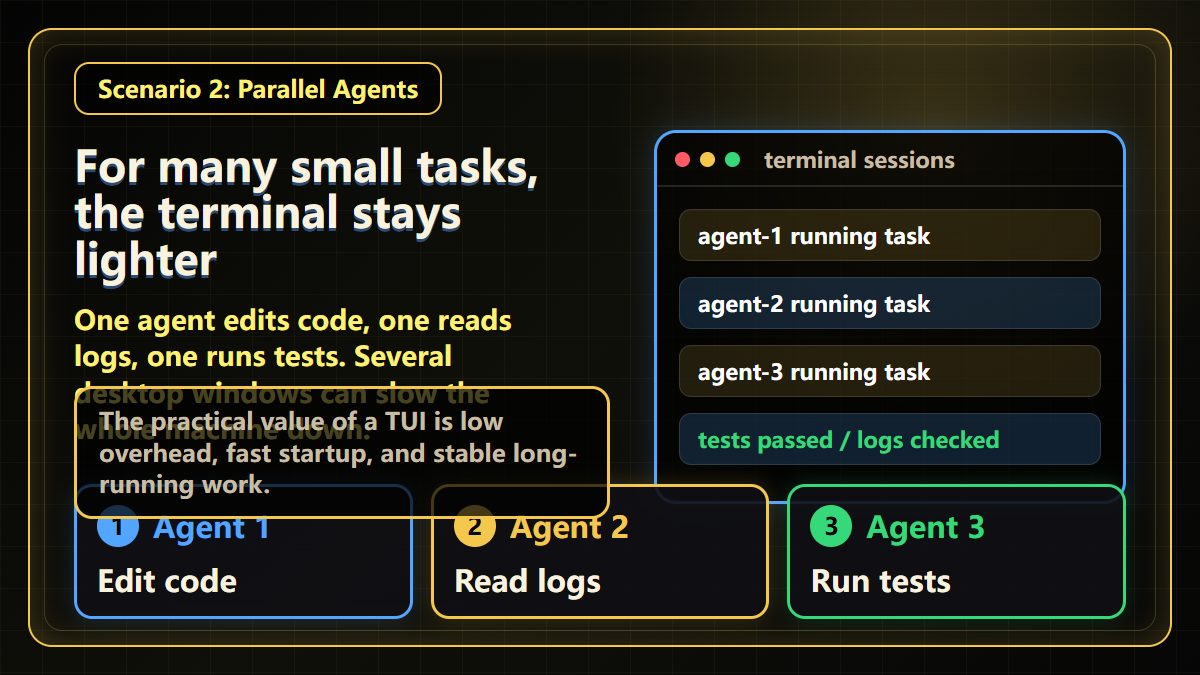
The value of a TUI is not that it looks more technical. The value is that it stays light when several small jobs need to run at the same time.
Scenario 3: browser work is usually easier to supervise in a GUI
Some tasks naturally belong in a browser.
Opening an admin dashboard, filling a form, uploading images, checking a preview, or confirming whether a page was saved are all visual tasks.
For that kind of work, I prefer a GUI. The agent can see the page change, and I can take over when needed.
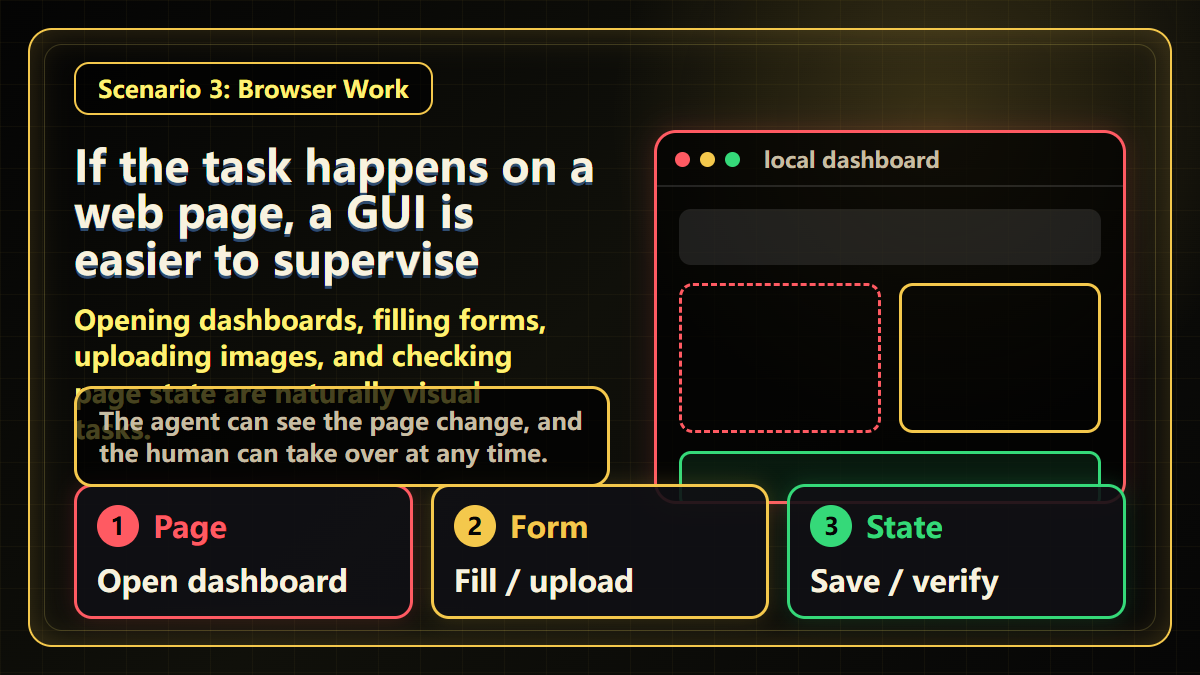
There is still an important boundary here. Login, CAPTCHA, payment, security prompts, and final publish actions should remain human-confirmed. The point of GUI automation is not to remove the human from risky steps. The point is to make the handoff smoother.
The workflow I use now
I usually mix both.
For exploration and context-heavy work, I start in a GUI.
For scoped parallel execution, logs, tests, and long-running small tasks, I use a TUI.
For browser operations and publishing flows, I return to a GUI.
This has made me less ideological about the tools. TUI is not old-fashioned. GUI is not a beginner mode. Both are useful when the task matches the interface.
The real failure mode is choosing the interface first and only then trying to force the task into it.
My current rule is simple: read the task first, then choose the interface.
Continue reading
If you are choosing how AI coding tools should enter real project work, continue with these pages:
Key Takeaways
- - Use GUI when the task needs visual context, screenshots, web pages, and frequent human steering
- - Use TUI when the task is scoped, parallel, and better left running with lower overhead
- - Keep login, CAPTCHA, payment, security prompts, and final publish actions human-confirmed
- - The professional move is not choosing a camp; it is matching the interface to the task
Need another practical guide?
Search for related tools, error messages, setup guides, and engineering notes across the site.
FAQ
Should AI coding agents use a GUI or a TUI?
Use a GUI for visual context, screenshots, browser state, and frequent human steering. Use a TUI for scoped parallel jobs, logs, tests, and low-overhead long-running sessions.
Is terminal TUI only for advanced users?
No. The hard part is not the terminal; it is whether the task boundaries are clear enough for the agent to run without constant visual supervision.
Should browser publishing flows be done from a TUI?
Usually no. Browser dashboards, image uploads, previews, and final page state checks are easier to supervise in a GUI.
Voluntary Support
Buy me a coffee
Voluntary support for field tests, server costs, and small open tools. No account, no subscription, no promised delivery.

Alipay QR code
Want to appear on the supporters wall?
After supporting, send your nickname, optional link, and one short note. I will review it manually before publishing.