Can Claude Code Still Use DeepSeek? A Windows Test with cc-switch
A practical Windows test of routing Claude Code to DeepSeek with cc-switch, including provider setup, PowerShell ps1 issues, JSON BOM config errors, and verification with status and doctor checks.
Main answer
In this Windows test, cc-switch worked as a provider switcher for routing Claude Code to a DeepSeek provider. It is not a Claude jailbreak and not a universal adapter for every coding agent.
Who should read this
Developers already using Claude Code who want to test DeepSeek on Windows while keeping provider state, PowerShell entry points, and JSON config errors inspectable.
Key check
The two readiness signals were `Active: DeepSeek` and a clean doctor check. If PowerShell blocks the npm-generated `.ps1` shim, `cmd /c cc-switch` can separate shell-entry problems from provider-config problems.
Next step
Install `@adithya-13/cc-switch`, configure a DeepSeek provider, verify with status and doctor checks, restart Claude Code, then test a small task before using a real project.
What You'll Learn
- + What cc-switch solves in the Claude Code + DeepSeek path
- + Why this route should not be described as a Codex route
- + How to debug PowerShell `.ps1` shim blocking on Windows
- + Why JSON BOM encoding can break provider config parsing
- + How to verify the route with Active: DeepSeek and doctor checks
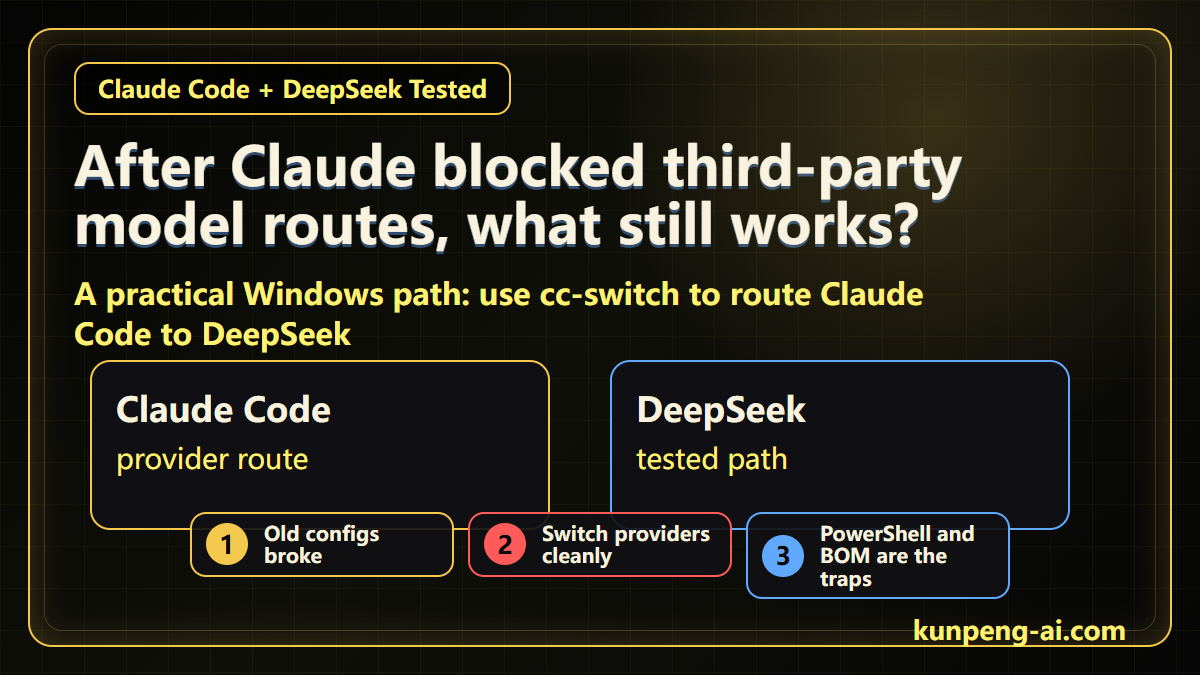
A while ago, I tested a route for connecting Claude desktop workflows to DeepSeek. Not long after that, Claude started tightening many third-party model routes. Some setups that used to work no longer behave the same way.
That is the kind of breakage that wastes time because the error is rarely obvious. Is Claude blocking the route? Is the config wrong? Is Windows blocking the command? Is the DeepSeek API key wrong?
This time I tested a narrower path: Claude Code through cc-switch to DeepSeek on Windows.
The short version: it worked in my test, but the boundary matters.
cc-switch is not a Claude jailbreak. It is not a universal adapter for every coding agent. It is a provider switcher. It lets you group model name, base URL, API key, and related settings into a named provider, then switch between providers more deliberately.
If you want the official Claude route, switch back. If you want to test DeepSeek, switch to DeepSeek.
This route is mainly for Claude Code. Codex cannot use this route directly.
Why cc-switch helps
Hand-editing model configs works until it does not.
Once you have multiple routes, it becomes easy to forget which provider is active, which base URL is being used, or whether the key belongs to the route you think you are testing.
cc-switch makes that state more explicit.
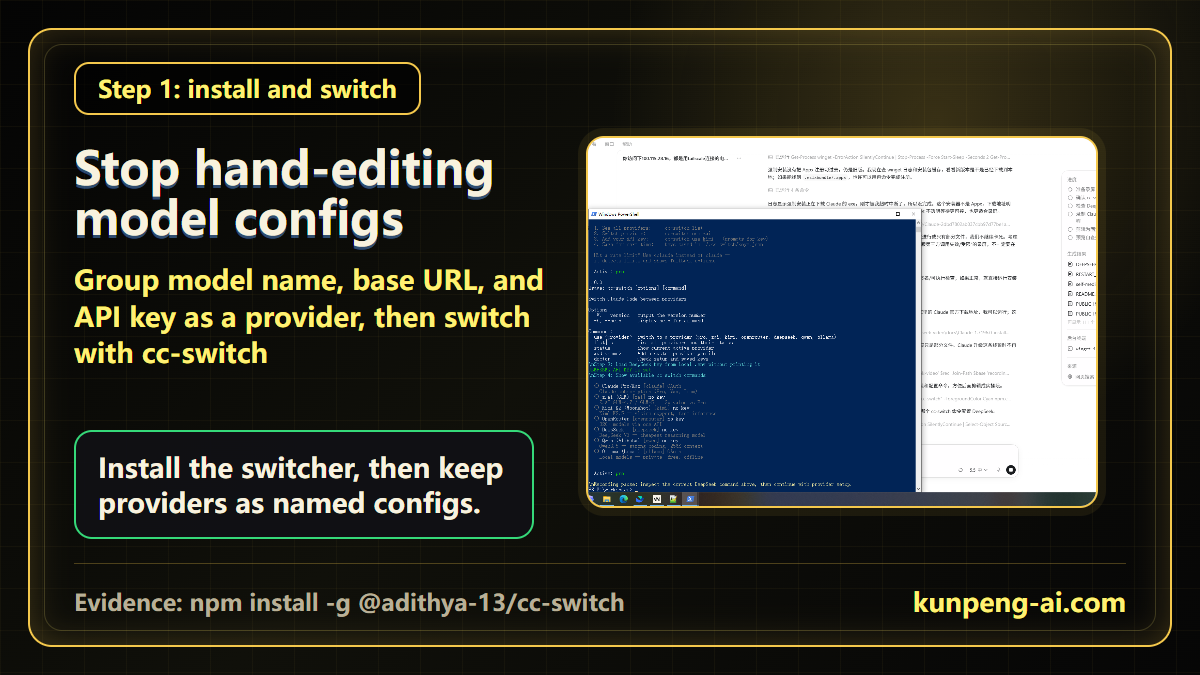
The package I used was:
npm install -g @adithya-13/cc-switchThe package name matters. It is not just cc-switch; it is:
@adithya-13/cc-switchAfter installation, the important part is not to jump straight into a large project. Configure the DeepSeek provider first, then check the active provider and run a diagnostic command.
Two Windows traps I hit
The first trap was PowerShell.
On Windows, global npm packages often create .ps1 command shims. Depending on your execution policy, PowerShell may block the generated script before cc-switch even runs.
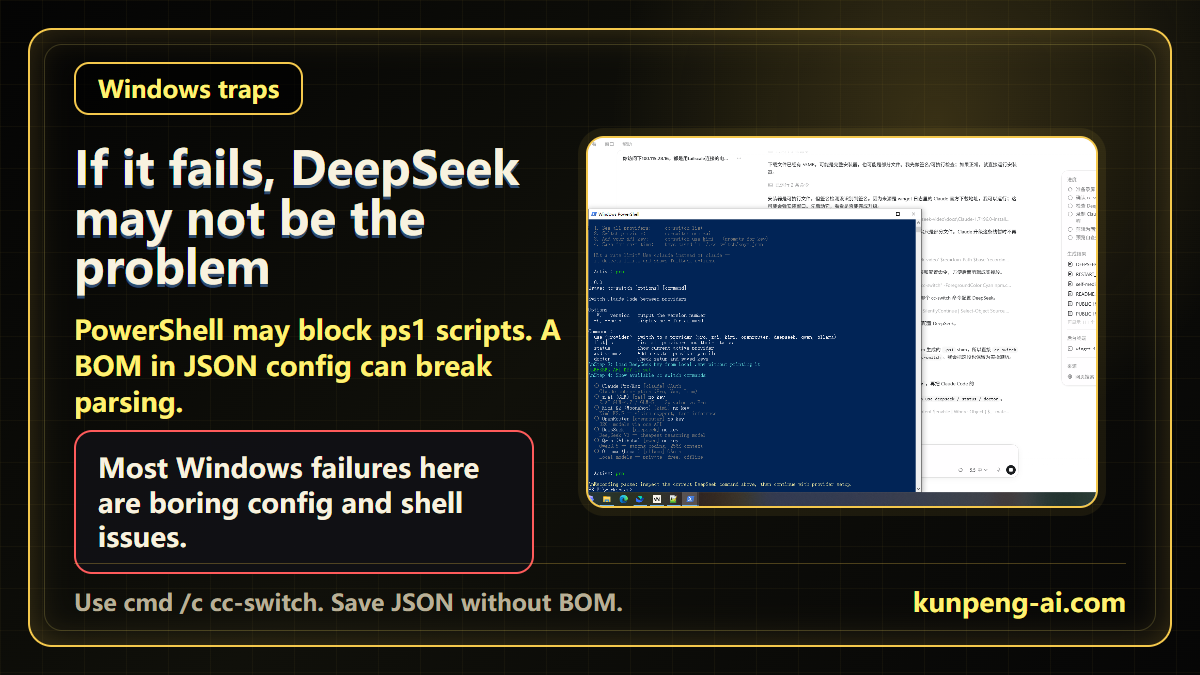
If that happens, try:
cmd /c cc-switchThis does not fix every problem, but it quickly separates a shell-entry problem from a provider-config problem.
The second trap was JSON encoding.
In my test, the config looked fine, but cc-switch failed while parsing JSON. The cause was a BOM in the config file. Saving the file as UTF-8 without BOM fixed it.
That is a boring detail, but on Windows boring details often decide whether a tool works.
How I knew the route was ready
I would not call the setup done just because a command stopped throwing.
The two signals I wanted were:
Active: DeepSeekand a clean doctor check.
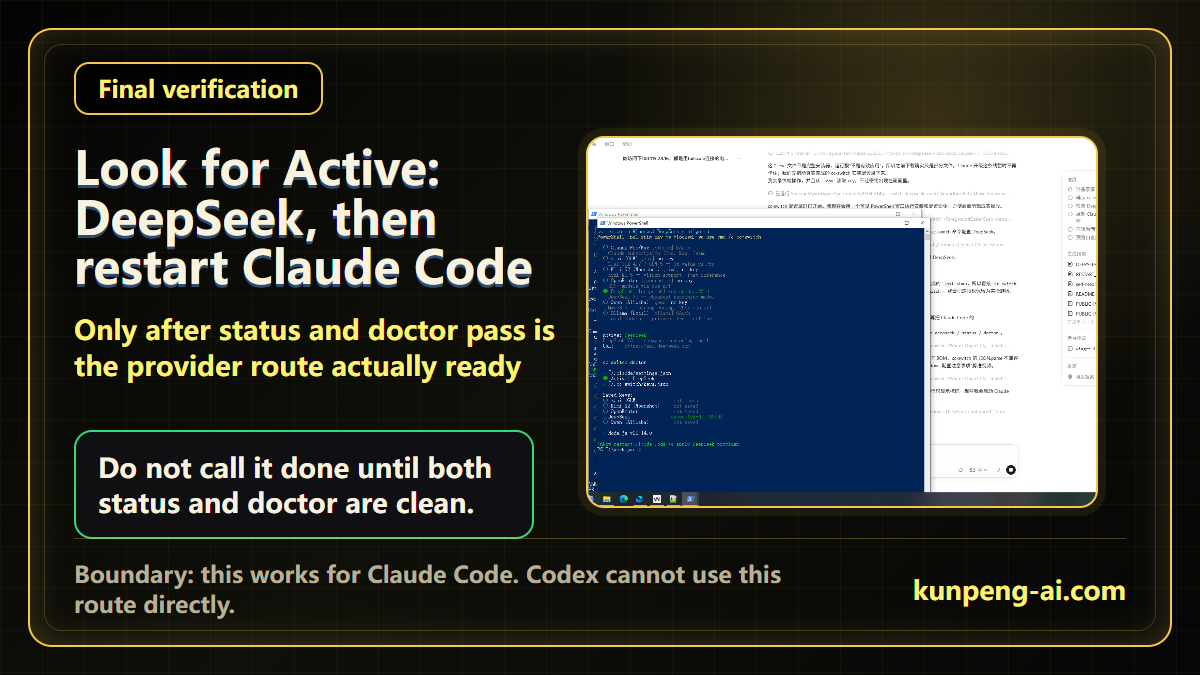
Only after both checks passed did I restart Claude Code and test a small task.
That order matters. If you start with a large project, a simple config issue can look like a model-quality issue, a Claude issue, or a Windows issue. A small verification task keeps the failure surface small.
Who this is useful for
This route is useful if you already use Claude Code and your previous third-party model setup stopped working.
It is also useful if you want a cleaner way to switch between the official Claude route and a DeepSeek provider without hand-editing config files every time.
It is not useful if your goal is to make Codex use DeepSeek through the same path. That is a different toolchain. The fact that cc-switch can help Claude Code does not mean it can be copied into Codex.
Practical checklist
In my Windows test, the checklist is:
- Install the right package:
@adithya-13/cc-switch - Configure a DeepSeek provider
- If PowerShell blocks the command, use
cmd /c cc-switch - Save JSON config without BOM
- Confirm
Active: DeepSeek - Run the doctor check
- Restart Claude Code
- Test with a small task before using a real project
The takeaway is simple: this is not a magic workaround. It is a more inspectable route for Claude Code users who want to test DeepSeek after older third-party model paths became unreliable.
Related field notes
If you are testing AI coding agents on Windows, continue with these field notes:
Key Takeaways
- - cc-switch is a provider switcher, not a Claude jailbreak.
- - The tested route is Claude Code -> cc-switch -> DeepSeek, not Codex -> cc-switch -> DeepSeek.
- - On Windows, verify the command entry, config encoding, and active provider before using a real repository.
Need another practical guide?
Search for related tools, error messages, setup guides, and engineering notes across the site.
FAQ
Can Claude Code still use DeepSeek through cc-switch?
This article records a Windows test where Claude Code was routed to a DeepSeek provider through cc-switch, after provider setup and status / doctor verification.
Is cc-switch a Claude jailbreak?
No. It is better described as a provider switcher for model name, base URL, API key, and related route settings.
Can Codex use DeepSeek through cc-switch?
Not through the route described here. This article is specifically about Claude Code -> cc-switch -> DeepSeek. Codex has a different toolchain.
What should I do if PowerShell blocks cc-switch?
Try `cmd /c cc-switch` first to see whether the failure is caused by PowerShell blocking the generated `.ps1` shim.
Voluntary Support
Buy me a coffee
Voluntary support for field tests, server costs, and small open tools. No account, no subscription, no promised delivery.

Alipay QR code
Want to appear on the supporters wall?
After supporting, send your nickname, optional link, and one short note. I will review it manually before publishing.