Marvis Basic Review: More Than a Chat Wrapper, Not Jarvis Yet
A first hands-on look at Marvis: Windows setup, first launch, the main interface, and a small marvis.qq.com task. It feels like more than a chat wrapper, but it still needs harder tests.
Main answer
Marvis does not feel like a plain chat box. It is clearly trying to become a desktop assistant, but this was only a first look, not a Jarvis claim.
Who should read this
For readers watching desktop agents, AI office tools, Marvis first impressions, and Windows AI tools.
Key check
This pass only checked setup, first launch, the main interface, and a small marvis.qq.com task.
Next step
The next round should test local documents, web research, and multi-step task recovery.
Marvis Basic Review: More Than a Chat Wrapper, Not Jarvis Yet
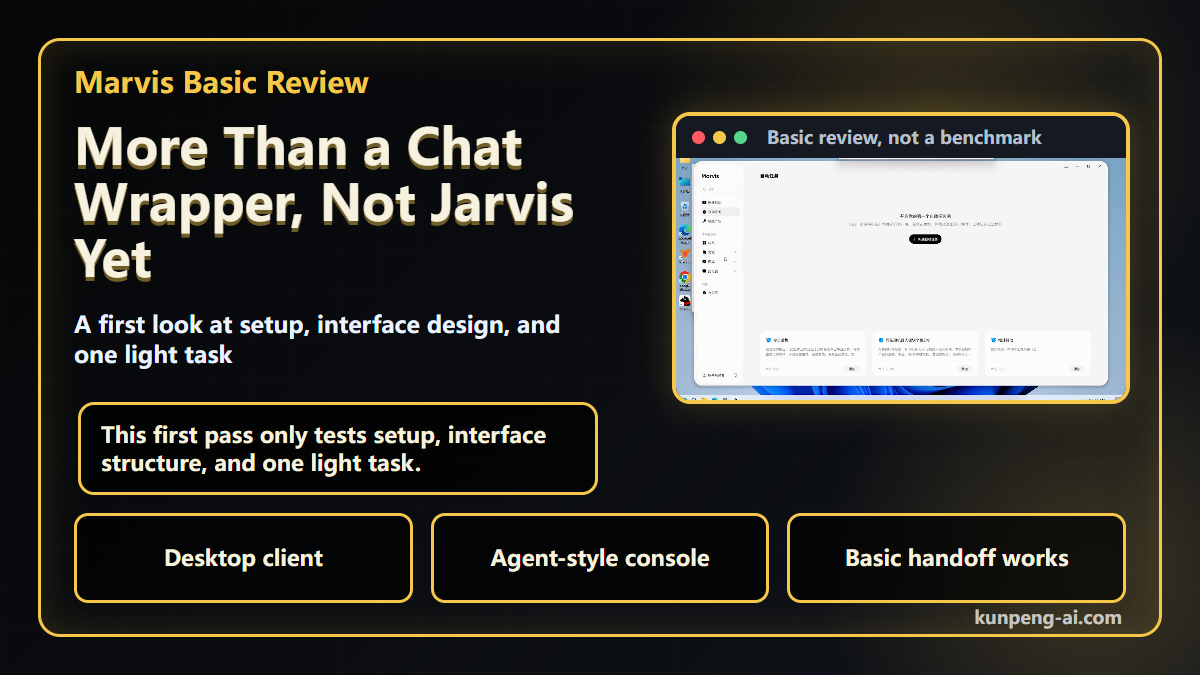
Marvis has been getting a lot of attention lately. The name naturally invites the Jarvis comparison, but after trying it, I think the more useful question is simpler:
Is this just another AI wrapper, or is it actually moving toward a desktop agent?
This is not a deep review yet. I only tested the basics: download, installation, first launch, interface design, and one small task. Heavier workflows, failure recovery, and long-running task stability deserve a separate test.
First, the product lands as a desktop client
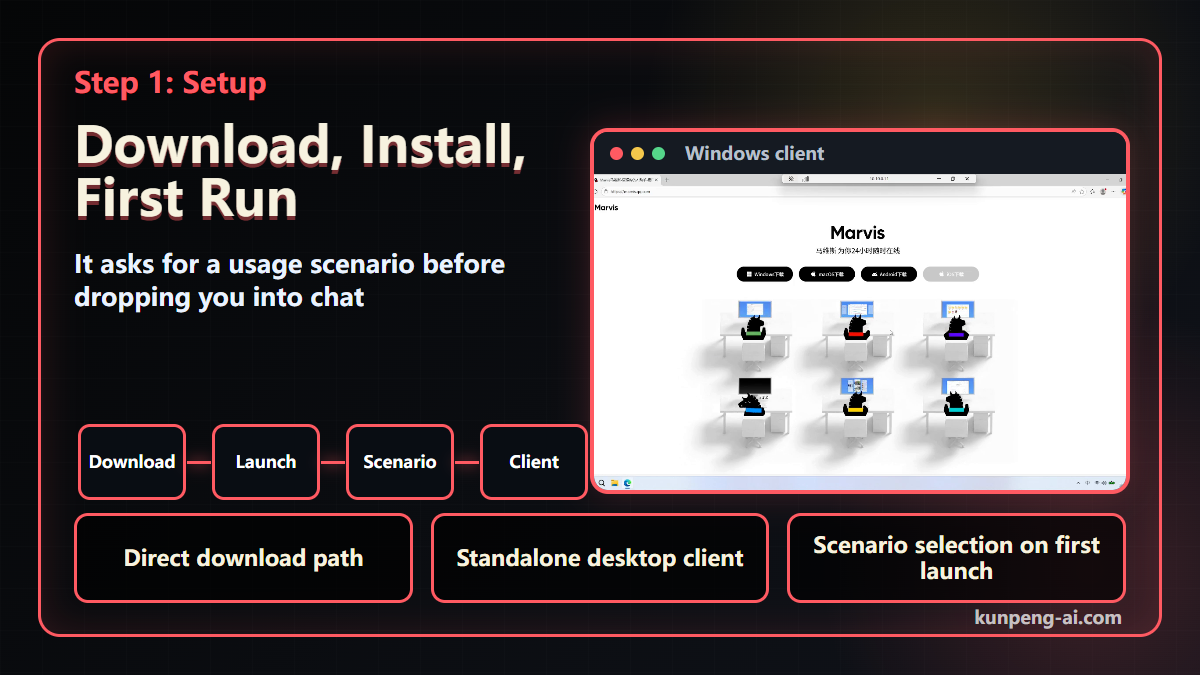
I started with the Windows version. The official site is straightforward, and after downloading it, Marvis launches as a standalone desktop client.
That sounds like a small detail, but it matters.
If a product only puts a chat box inside a desktop shell, it is still mostly a Q&A tool. A desktop agent needs a wider surface. It has to understand local context, applications, files, browsers, and what the user is trying to get done.
On first launch, Marvis does not drop the user straight into a blank chat box. It first asks what kind of scenario you want to use it for.
That is a reasonable design choice. Before an agent acts, it needs some context about the work it is supposed to help with.
This does not prove execution quality. A good onboarding flow is not the same thing as a reliable agent. But it does suggest Marvis is not trying to be just another chat product.
The interface feels more like a desktop-agent console
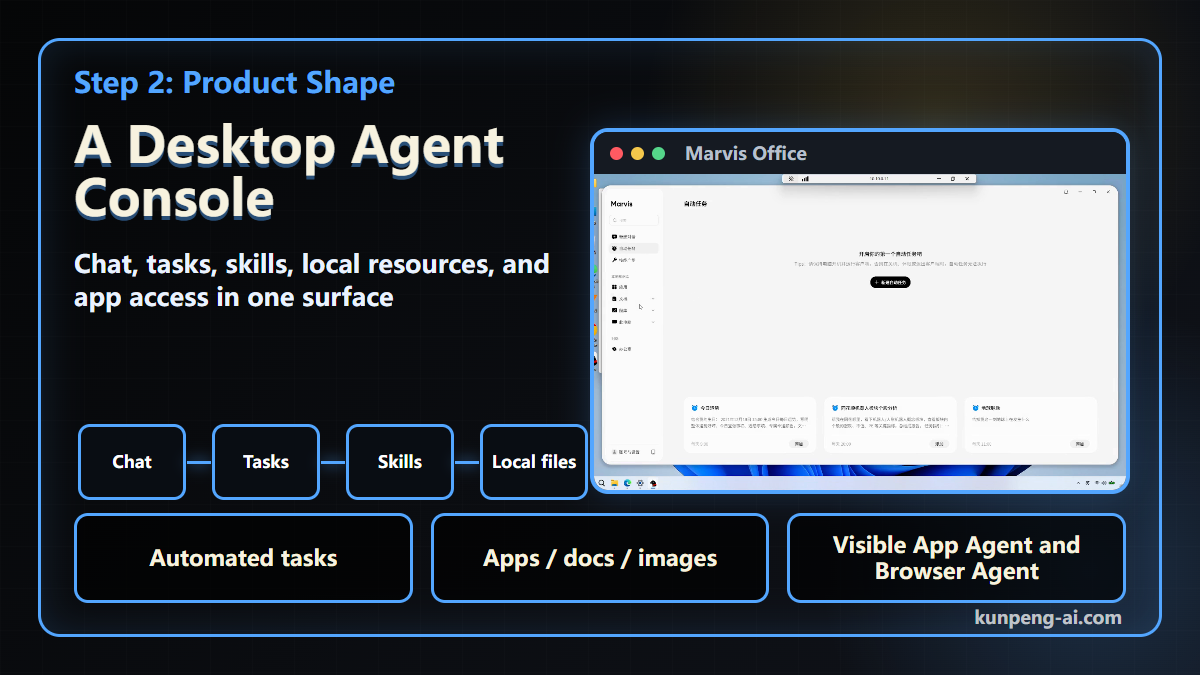
Inside the main interface, I would look at the left side first.
It is not only a place for new conversations. There are entries for automated tasks, a skill gallery, apps, documents, images, and this PC. In other words, Marvis is trying to put chat, tasks, local resources, and application access in one place.
That is closer to a desktop agent than a normal chatbot.
The most distinctive part is Marvis Office. It puts Marvis, App Agent, and Browser Agent directly on the screen instead of hiding every action in the background.
I like that direction. Many agent products make the user stare at a loading state without knowing which capability is being used, where the agent is stuck, or what it is trying to do. Showing the agent roles makes the process easier to follow.
I would still be careful with the conclusion here. A visible agent workspace does not automatically mean the product is reliable. The real test is whether those roles can coordinate in multi-step tasks, handle errors, and recover without confusing the user.
A small task: open marvis.qq.com
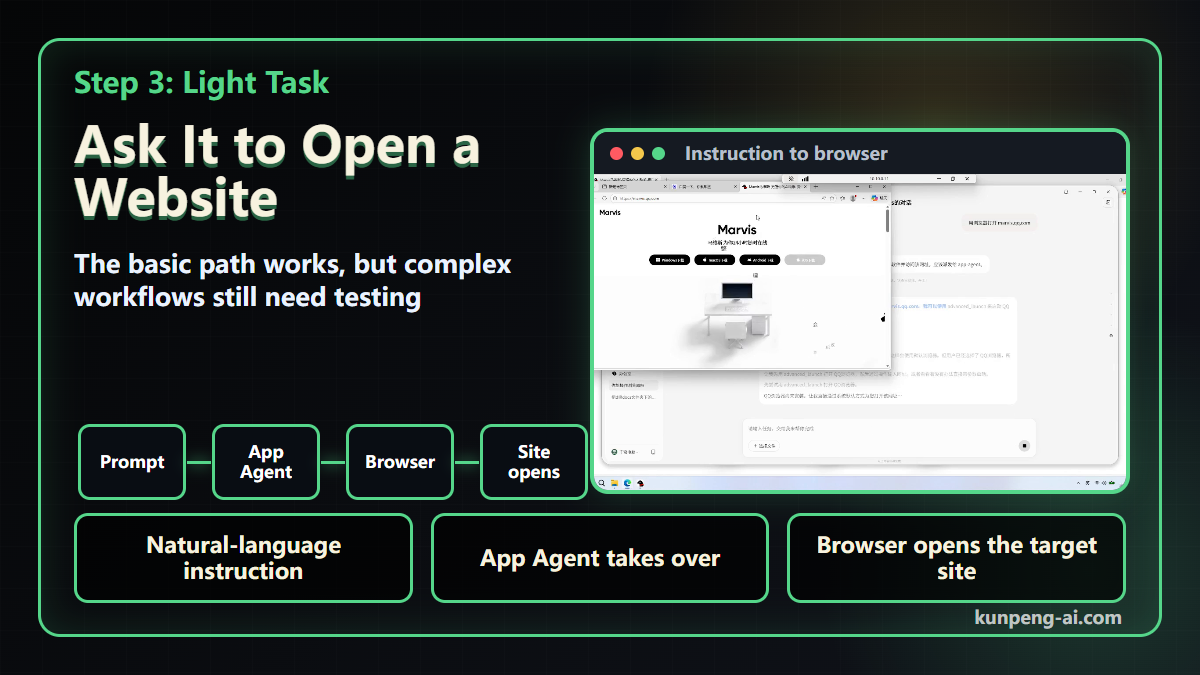
For this first pass, I used a very small task: ask Marvis to open marvis.qq.com.
This is not a difficult task. That is the point. I wanted to see whether a natural-language instruction would trigger real desktop action, instead of only producing a text reply.
In the test, Marvis understood the instruction and handed it to App Agent. When it detected multiple browsers, it asked which browser to use. After that, the target site opened successfully.
So the basic handoff worked:
- The user gives a natural-language instruction
- Marvis identifies the task
- App Agent takes over execution
- A browser is selected
- The target site opens
That is more useful than simply returning a link in a chat window.
But this result should not be overread. Opening a website is a basic test. The hard part is whether the agent can plan across multiple steps, click correctly, notice unexpected states, recover from failure, and ask for confirmation before risky actions.
So the conclusion is narrow: the first step works, but the harder tests still need to happen.
What I think after this first pass
Marvis does not feel like a plain chat wrapper.
It has several choices that make me want to keep testing it: standalone client, first-run scenario selection, local resource entries, automated-task entry points, and a workspace where different agents are visible.
Those choices are interesting.
But I would not call it Jarvis yet. This test only covered installation, interface design, and one simple task. The real difference will show up in heavier scenarios: organizing local documents, searching across web pages, generating structured outputs, handling failed states, and completing multi-step tasks over time.
That is where desktop agents either become useful or collapse back into demoware.
What I want to test next
For the next round, I would raise the difficulty and focus on three things:
- Document work: can it read, organize, and summarize local files?
- Web research: can it search across pages, filter information, and produce a useful summary?
- Task stability: can it recover from browser choices, pop-ups, page changes, or partial failures?
If Marvis handles those tasks well, the Jarvis comparison becomes more interesting. If it does not, its current value is closer to a well-designed desktop AI console.
For now, my take is simple: Marvis is worth watching, but it still needs harder tests.
Continue reading
Key Takeaways
- - Marvis launches as a standalone desktop client instead of a plain web chat surface.
- - The left-side resource entries and Marvis Office make it look more like a desktop assistant workspace.
- - The marvis.qq.com task worked, but that does not prove complex tasks are stable.
- - The real test is still document work, web research, error recovery, and multi-step execution.
Need another practical guide?
Search for related tools, error messages, setup guides, and engineering notes across the site.
FAQ
Is Marvis already a Jarvis-like assistant?
Not yet. This article only covers a basic hands-on pass and one light task, not complex office workflows or long-running stability.
What makes Marvis different from a normal chatbot?
The visible difference in this test is the interface: standalone client, scenario selection, local resource entries, automated tasks, and a workspace that shows different agents.
Is this a deep Marvis review?
No. It is a light first-pass review with a deliberately narrow conclusion.
Voluntary Support
Buy me a coffee
Voluntary support for field tests, server costs, and small open tools. No account, no subscription, no promised delivery.

Alipay QR code
Want to appear on the supporters wall?
After supporting, send your nickname, optional link, and one short note. I will review it manually before publishing.