Codex + Tencent LKEAP 401: Debug the Protocol Path Before the API Key
A practical debugging note on Codex, Tencent LKEAP, OpenAI-compatible endpoints, final request URL shape, and the protocol-path mismatch between Responses API and Chat Completions.
Main answer
The important clue was not the 401 itself, but the final request URL: /chat/completions/responses. That shape points to a protocol-path mismatch.
Who should read this
For developers connecting Codex, OpenAI-compatible endpoints, Tencent LKEAP, or other third-party model services into AI coding workflows.
Key check
Inspect the final URL, wire protocol, and endpoint shape before spending all the time on API keys and permissions.
Next step
Capture the final URL and provider config first. If the client speaks Responses while the server exposes Chat Completions, consider a local protocol adapter only with clear boundaries.
What You'll Learn
- + Why a 401 does not always mean the API key is wrong
- + How /chat/completions/responses reveals a path composition problem
- + Where Responses API and Chat Completions differ in practice
- + When a local proxy is a useful workaround and when it is not
Codex + Tencent LKEAP 401: It Was Not the Key, It Was the Protocol Path
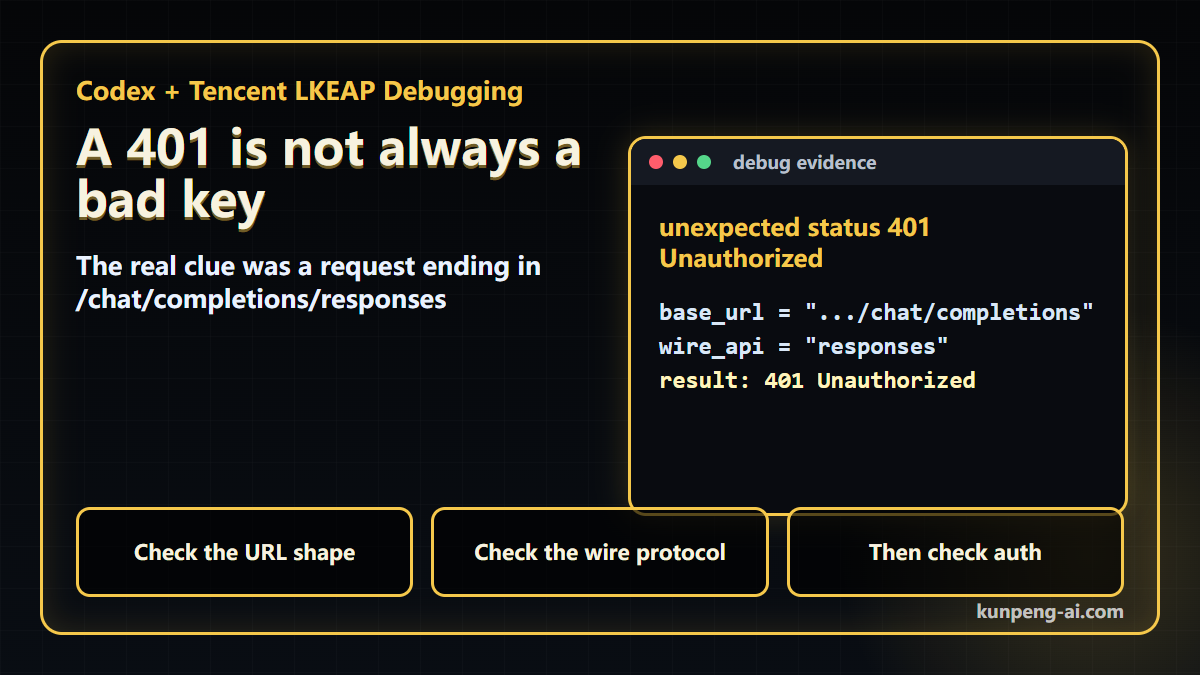
I ran into a failure that looked like an authentication problem at first:
unexpected status 401 UnauthorizedThe setup was Codex against Tencent Cloud LKEAP Token Plan, using an OpenAI-compatible Chat Completions endpoint.
The important clue was not the 401. It was the final URL:
https://api.lkeap.cloud.tencent.com/plan/v3/chat/completions/responsesThat URL shape is already wrong.
The config that caused it
The provider entry looked roughly like this:
[model_providers.custom]
name = "custom"
wire_api = "responses"
requires_openai_auth = true
base_url = "https://api.lkeap.cloud.tencent.com/plan/v3/chat/completions"
The mistake is subtle.
The Tencent endpoint in this setup is Chat Completions-style:
/plan/v3/chat/completionsBut newer Codex expects a Responses API-style provider when wire_api = "responses" is used. So Codex appended /responses to a base URL that already ended in /chat/completions.
That produced:
/plan/v3/chat/completions/responses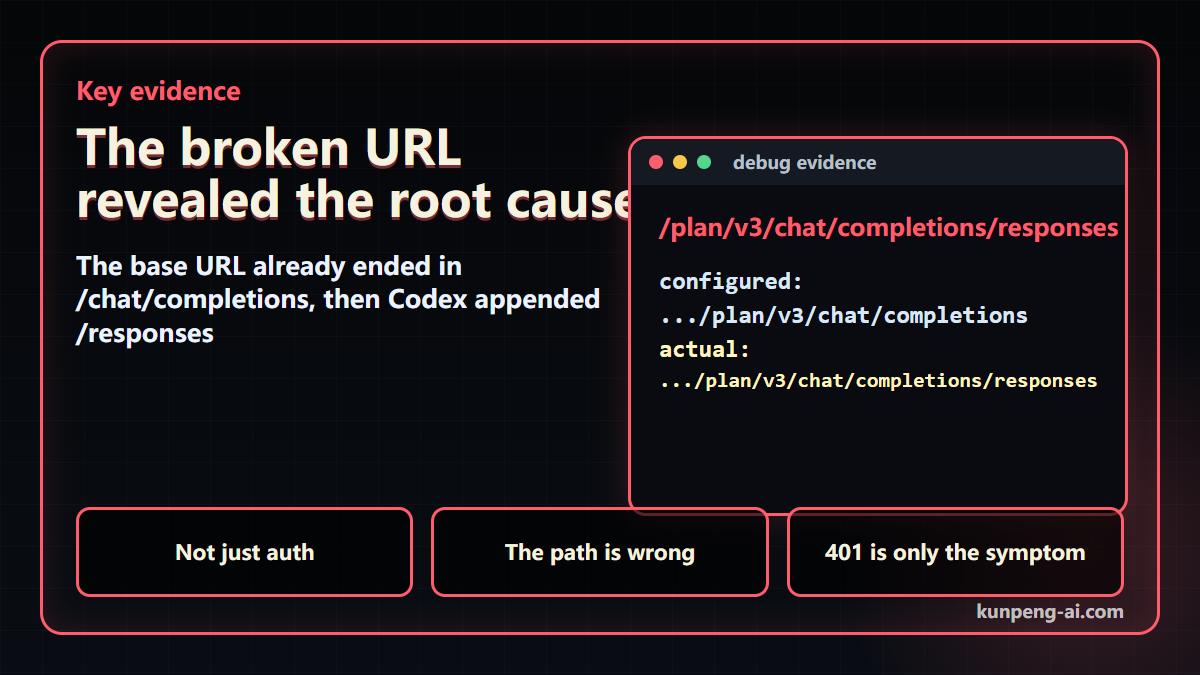
At that point, rotating the API key is unlikely to help. The request is already going to the wrong protocol path.
Why not switch Codex back to Chat Completions?
That was the next thing I checked.
The newer Codex configuration rejects wire_api = "chat":
invalid configuration: `wire_api = "chat"` is no longer supported.
How to fix: set `wire_api = "responses"` in your provider config.
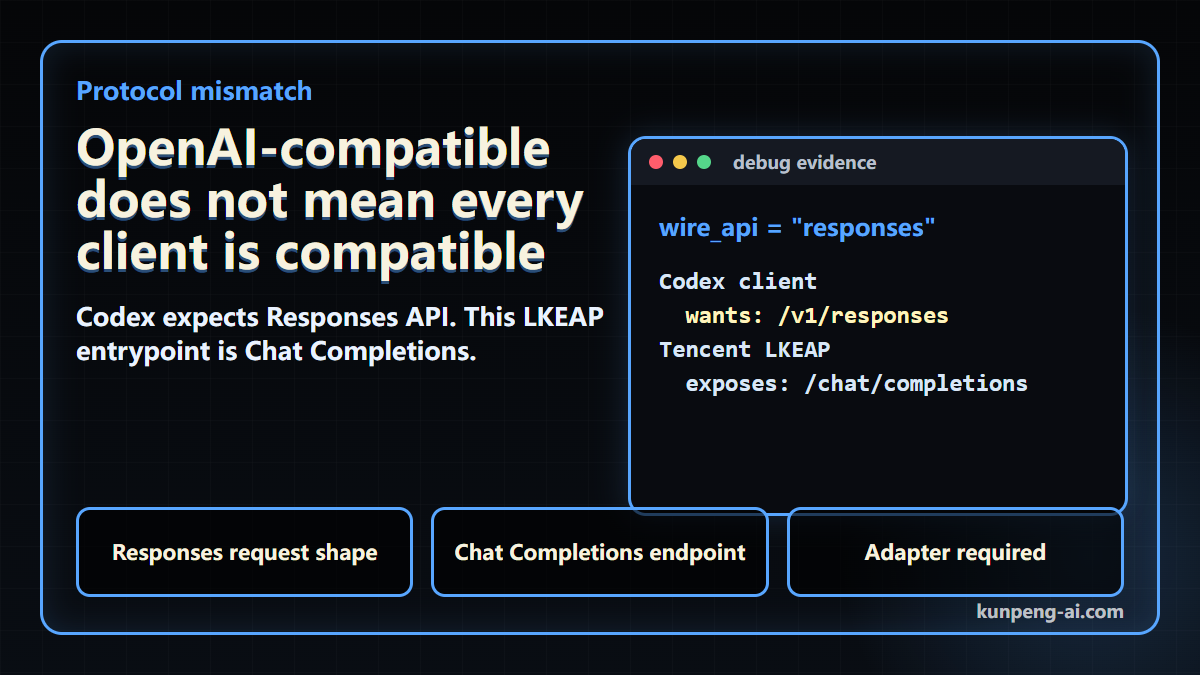
So this is not just a missing slash or a bad base URL. It is a protocol mismatch:
- Codex wants to speak Responses API.
- The LKEAP endpoint I was using speaks Chat Completions.
- “OpenAI-compatible” does not automatically mean “compatible with every OpenAI client mode.”
That last point is the real lesson.
My debugging order now
For this class of issue, I would check things in this order:
- Inspect the final request URL.
- Confirm the client’s wire protocol.
- Confirm the upstream endpoint shape.
- Only then spend time on keys and permissions.
If the URL contains patterns like these, stop and look at path composition first:
/chat/completions/responses
/v1/v1
/responses/chat/completions
The status code may be a symptom. The URL shape is often the evidence.
Workaround: local protocol adapter
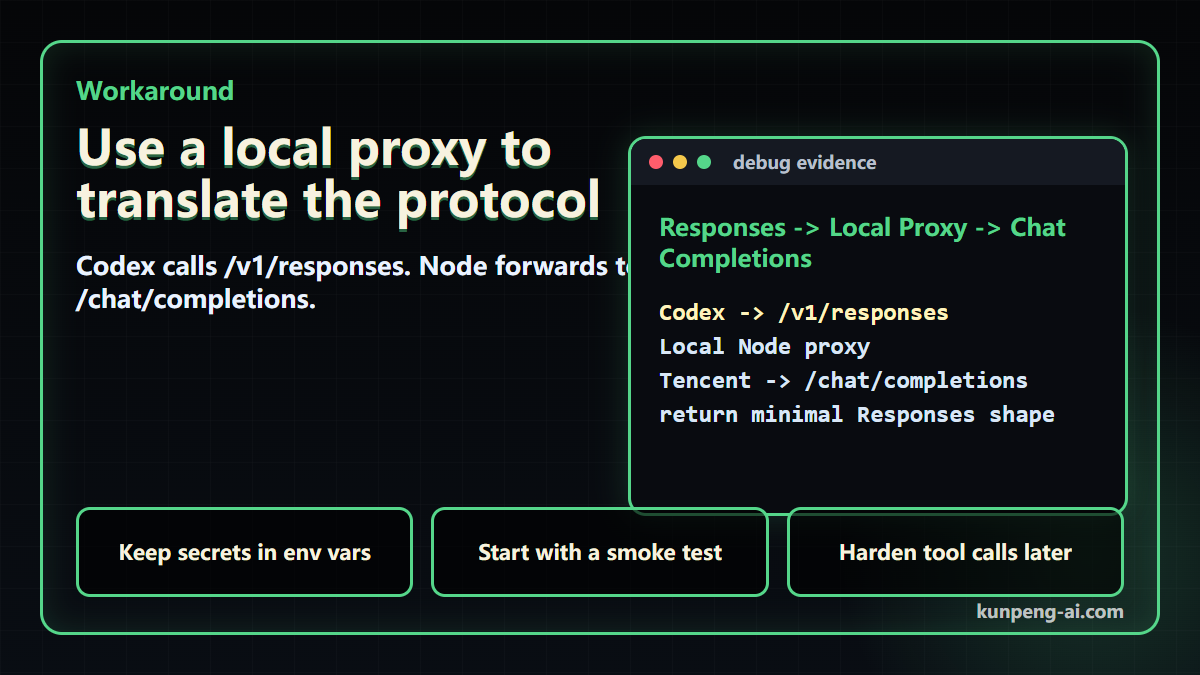
The workaround I tested toward was a small local Node.js proxy.
Codex calls a local Responses-shaped endpoint:
http://127.0.0.1:15722/v1/responsesThe local proxy converts that into a Chat Completions request and forwards it to:
https://api.lkeap.cloud.tencent.com/plan/v3/chat/completionsThe Codex config then points to the local proxy:
model_provider = "tencent_lkeap_proxy"
model = "glm-5.1"
disable_response_storage = true

[model_providers.tencent_lkeap_proxy]
name = "Tencent LKEAP via local Responses proxy"
wire_api = "responses"
base_url = "http://127.0.0.1:15722/v1"
requires_openai_auth = true
env_key = "OPENAI_API_KEY"
The real Tencent key stays in the proxy process environment:
$env:TENCENT_LKEAP_API_KEY="REDACTED"
$env:TENCENT_LKEAP_MODEL="glm-5.1"
node tools\codex-responses-to-chat-proxy.mjs
Codex still expects an OpenAI auth variable for this provider shape, so I used a local dummy value:
$env:OPENAI_API_KEY="local-proxy-dummy"The proxy ignores that dummy value and uses TENCENT_LKEAP_API_KEY upstream.
Boundary
I would not describe this as a complete drop-in replacement.
What was verified in the original debugging record:
- the failure path was identified
- the local proxy script was created
node --checkpassed
Still to verify:
- full end-to-end smoke test with a real LKEAP key
- streaming behavior under longer tasks
- Codex tool-call traffic
- cancellation, timeout, and error mapping
That distinction matters. A protocol adapter can be useful, but it should be treated as an adapter to harden, not as magic compatibility.
The practical takeaway:
When an AI coding tool fails against an “OpenAI-compatible” endpoint, do not ask only whether the key is valid. Ask whether the client and server are actually speaking the same API shape.
Continue Reading
Key Takeaways
- - OpenAI-compatible does not mean compatible with every OpenAI client mode
- - The final URL shape can reveal the root cause faster than the status code
- - A local proxy is a bounded workaround, not a full compatibility claim
- - Do not claim Tencent LKEAP is fully compatible with every Codex feature from this test
Need another practical guide?
Search for related tools, error messages, setup guides, and engineering notes across the site.
FAQ
Does a Codex + LKEAP 401 always mean the API key is wrong?
No. In this case, the more useful evidence was the final /chat/completions/responses URL, which showed a protocol-path mismatch.
Is Tencent LKEAP fully compatible with Codex?
This article does not claim that. It only documents one protocol-path compatibility issue between a Responses-style client and a Chat Completions-style endpoint.
Can the local proxy be used as a long-term solution?
It can be a useful debugging or transition layer, but it still needs hardening for streaming, tool calls, cancellation, timeout behavior, error mapping, and log redaction.
Voluntary Support
Buy me a coffee
Voluntary support for field tests, server costs, and small open tools. No account, no subscription, no promised delivery.

Alipay QR code
Want to appear on the supporters wall?
After supporting, send your nickname, optional link, and one short note. I will review it manually before publishing.